

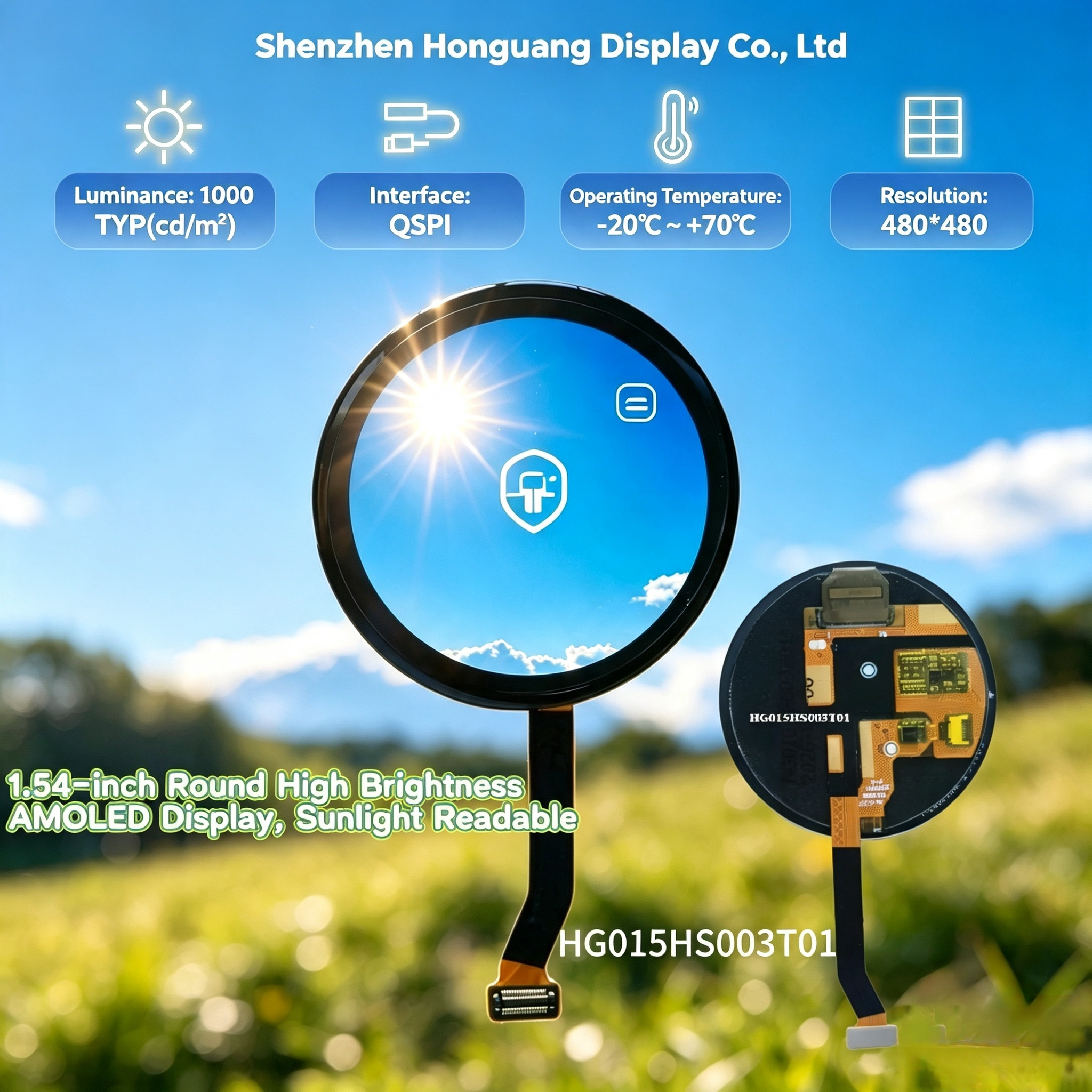
How to Drive QSPI Round AMOLED Display with General‑Purpose MCU
Many circular AMOLED modules for wearable devices adopt the QSPI interface, such as the HG015HS003T01 1.54‑inch 480×480 round AMOLED screen. Unlike resource‑hungry MIPI‑DSI screens, QSPI AMOLED can work with regular low‑cost MCUs, which helps you reduce total BOM cost for smart watch, handheld and industrial IoT projects.
This article shares practical hardware and software tips for engineers evaluating QSPI AMOLED panels. You can also check our product introduction for the HG015HS003T01 1.54‑inch round QSPI AMOLED display.
What Is QSPI for OLED Display
QSPI (Quad Serial Peripheral Interface) uses 4‑bit parallel data over serial lines. Compared to traditional SPI (1‑bit), QSPI delivers much higher throughput, enough to refresh a 480×480 circular AMOLED without requiring expensive multimedia processors.
Key advantages for hardware projects:
– Workable on most mainstream general‑purpose MCUs (STM32, nRF series and others)
– Fewer wiring traces on PCB
– Lower power consumption for wearable battery‑powered devices
– Avoid complex MIPI hardware layout requirements
Hardware Wiring Guidelines
Before writing code, double‑check your FPC connector pin definition from the display datasheet. Typical signal list for QSPI AMOLED module:
Important Hardware Notes
1.Common GND is mandatory. Different ground potential will cause display flickering, color distortion or panel failure.
2.Add proper decoupling capacitors close to module power pin, suppress power‑supply noise.
3.The RESET pin must be controlled by MCU GPIO. Panel needs hardware reset sequence on power‑up.
4.Keep QSPI signal traces short on PCB. Long wires may bring signal distortion, screen glitches.
Power‑Up & Reset Sequence
Wrong power‑on sequence is one of the most frequent causes of QSPI AMOLED screen not lighting up. Follow this general flow:
1.Supply VCC power to display module
2.Hold RESET pin low for minimum 10ms
3.Release RESET pin to high level
4.Wait for panel internal stabilization (20–50ms)
5.Send panel initialization register commands via QSPI bus
6.Finish initialization, start sending frame buffer pixel data
Software Development Tips
1.Check QSPI mode: Confirm your display supports 4‑line quad output mode; some MCUs need configuration to switch from standard SPI to QSPI quad mode.
2.Frame buffer memory consideration: A 480×480 AMOLED with RGB‑565 format requires about 460KB RAM. If your MCU RAM resource is limited, you can use partial‑update mode instead of full‑screen refresh.
3.Partial update: For watch UI with static background, only refresh change…

